













Most cybersecurity content is written for large enterprises with dedicated security teams and significant budgets. This article is written for something different: the small and medium-sized business owner or manager in Qatar who understands that cybersecurity matters, but is not sure where to start.
Here is the reality: small businesses are targeted by cybercriminals more frequently than many people realise. Not because they are high-value targets individually, but because they are perceived as easier targets. Many SMEs lack basic security controls, making them vulnerable to attacks that would be blocked almost automatically by a larger organisation's security systems.
The good news: the five protections outlined in this article address the vast majority of cyber risk facing SMEs in Qatar today — and none of them require enterprise-scale investment.
Protection 1 — A Next-Generation Firewall (NGFW)
A firewall is the first line of defence between your business network and the internet. But not all firewalls are equal. A basic firewall — often built into a home or entry-level business router — blocks only known bad IP addresses. A Next-Generation Firewall (NGFW) does significantly more:
- It inspects the content of network traffic — not just where it is going
- It blocks malicious websites, applications, and file downloads
- It prevents command-and-control communications from malware already inside your network
- It identifies and blocks threats hidden inside encrypted traffic
For an SME with 10 to 50 users in Doha, a professional NGFW can be installed and configured for a very reasonable investment — and the difference in protection it provides compared to a basic router is substantial.
Protection 2 — Endpoint Protection (EDR)
Every laptop, desktop, and work computer in your business is an endpoint — and every endpoint is a potential entry point for attackers.
Basic antivirus software — the kind that comes pre-installed on most Windows computers — detects known malware but misses newer, more sophisticated threats. Endpoint Detection and Response (EDR) software goes further:
- It monitors behaviour on every device continuously — detecting unusual activity even from threats that have never been seen before
- It automatically contains threats by isolating affected devices before they can spread to the rest of the network
- It provides a detailed record of what happened on each device — essential for understanding and recovering from a breach
For most SMEs, EDR is available as a cloud-managed subscription — no on-premise infrastructure required.
Protection 3 — Email Security
The majority of cyberattacks — including ransomware, business email compromise (BEC), and credential theft — start with an email. Your email system is your highest-risk attack surface.
A professional email security solution adds layers of protection that your standard email provider's built-in filtering does not provide:
- Anti-phishing protection: Detects and blocks emails designed to look like they come from trusted senders — banks, suppliers, or company executives
- Business email compromise (BEC) detection: Identifies emails attempting to impersonate senior executives to authorise fraudulent payments
- Malicious attachment scanning: Analyses file attachments in a secure sandbox before they reach your inbox
- Data Loss Prevention (DLP): Prevents sensitive information from being sent outside the organisation accidentally or maliciously
For a small business in Qatar, a professional email security layer costs far less per month than the average loss from a single successful phishing attack.
Protection 4 — Multi-Factor Authentication (MFA)
Passwords are not enough. Credential theft — through phishing, data breaches, or brute-force attacks — is the most common way attackers gain access to business systems.
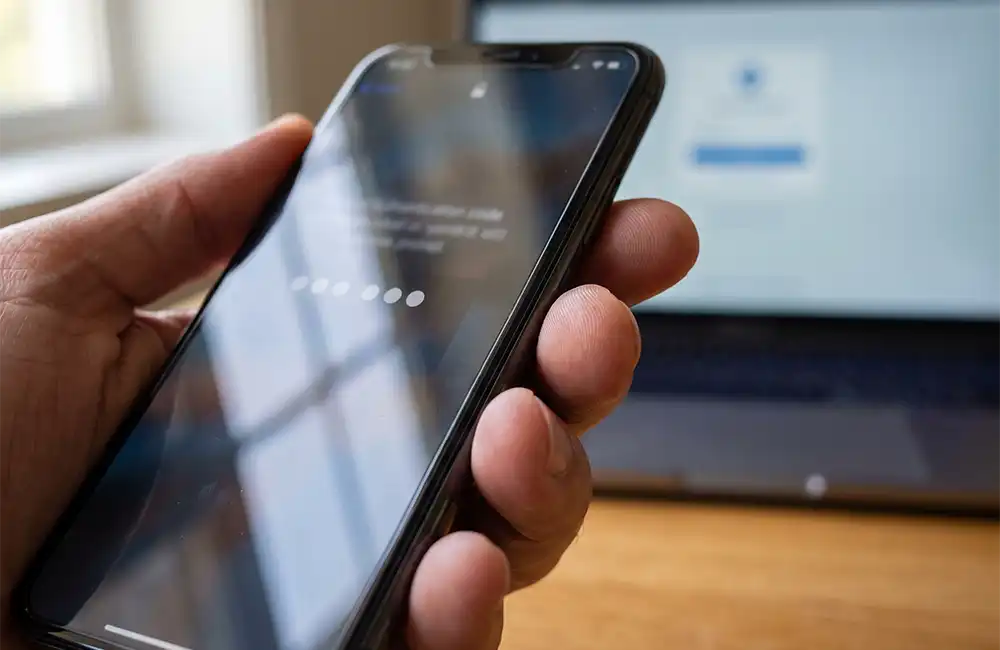
Multi-Factor Authentication (MFA) requires a second form of verification beyond a password — typically a code sent to a mobile phone or generated by an authenticator app. Even if an attacker has your password, they cannot access your account without the second factor.
MFA should be enabled on: email accounts (this alone prevents most business email compromise attacks), cloud applications such as Microsoft 365 or Google Workspace, remote access systems and VPN, and any application containing customer or financial data.
Enabling MFA on all business accounts is the single highest-impact, lowest-cost cybersecurity action an SME can take. It takes less than an hour to implement across a small team.
MFA protects individual logins — but small businesses should also pay attention to who holds administrator access. Every SME has a handful of accounts with elevated privileges: the person managing the company’s Microsoft 365 or Google Workspace tenant, the router and firewall admin login, the accounting software administrator. These privileged accounts are the ones attackers value most, because a single compromised admin login can expose everything else. Basic Privileged Access Management (PAM) — even at SME scale — means knowing exactly who has admin access to each system, removing access nobody uses any more, and requiring MFA without exception on every admin account.
Protection 5 — Data Backup
Ransomware — malware that encrypts your data and demands payment for the decryption key — is one of the most disruptive threats facing SMEs today. Organisations that have a recent, tested backup of their data can recover from ransomware without paying the ransom. Organisations without a backup often face the choice of paying — with no guarantee of recovery — or losing their data entirely.
A good backup strategy for an SME:
- Backs up all critical data at least daily
- Stores at least one backup copy off-site or in cloud storage — separate from the primary network
- Uses immutable backup technology where possible — so that ransomware cannot encrypt the backup files
- Is tested regularly — a backup you have never tested is a backup you cannot rely on
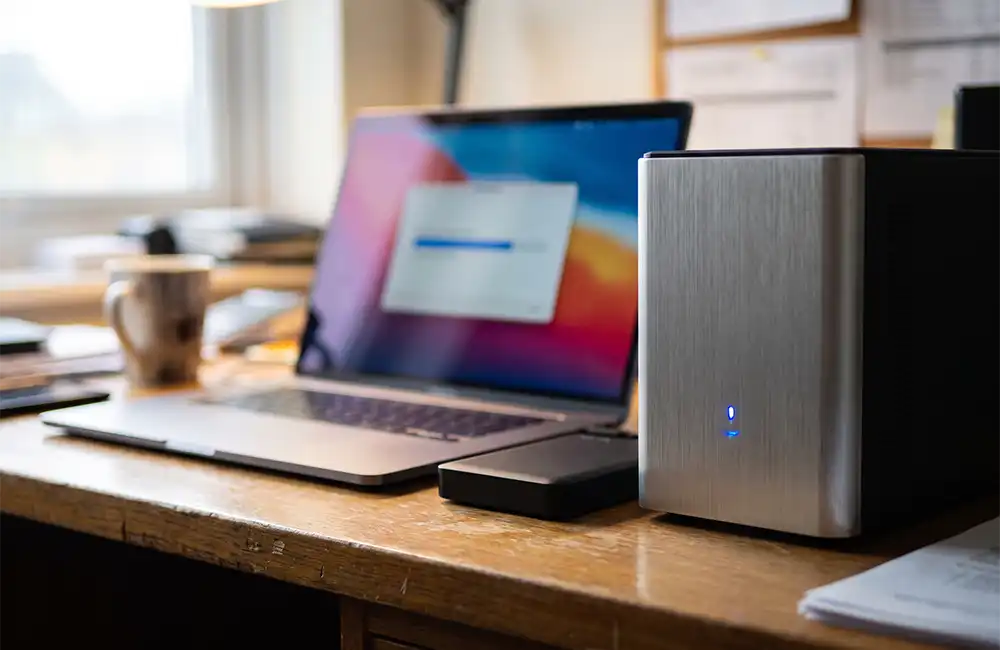
Cloud backup solutions make professional-grade data protection accessible and affordable for businesses of any size.
Conclusion
If your business does not currently have all five of these protections in place, do not feel overwhelmed. Start with the one that represents the biggest gap in your current environment and build from there. The most common starting point for SMEs is MFA — implement it across all accounts this week. It costs nothing and immediately reduces your most significant cyber risk.
Frequently Asked Questions
What is the single most important security step for a small business?
Enabling Multi-Factor Authentication (MFA) across all business accounts, particularly email. It is the lowest-cost, fastest-to-implement control and it prevents the majority of account compromise attempts.
Is cybersecurity really necessary for a small business, or just large companies?
Small businesses are frequently targeted precisely because they are perceived as easier targets with fewer defences in place. Size does not reduce risk — it often increases it.
How much should an SME budget for cybersecurity?
This varies by business size and risk profile, but the five protections in this article — NGFW, EDR, email security, MFA, and backup — can typically be implemented at SME scale without enterprise-level investment. A cybersecurity assessment is the best way to identify actual costs for your environment.
Ready to take the next step?
Speak to our team about a cybersecurity assessment for your business in Qatar. We design practical, right-sized security solutions for SMEs across Doha — no enterprise budget required.
→ Contact Noventrix Systems: info@noventrix.com.qa